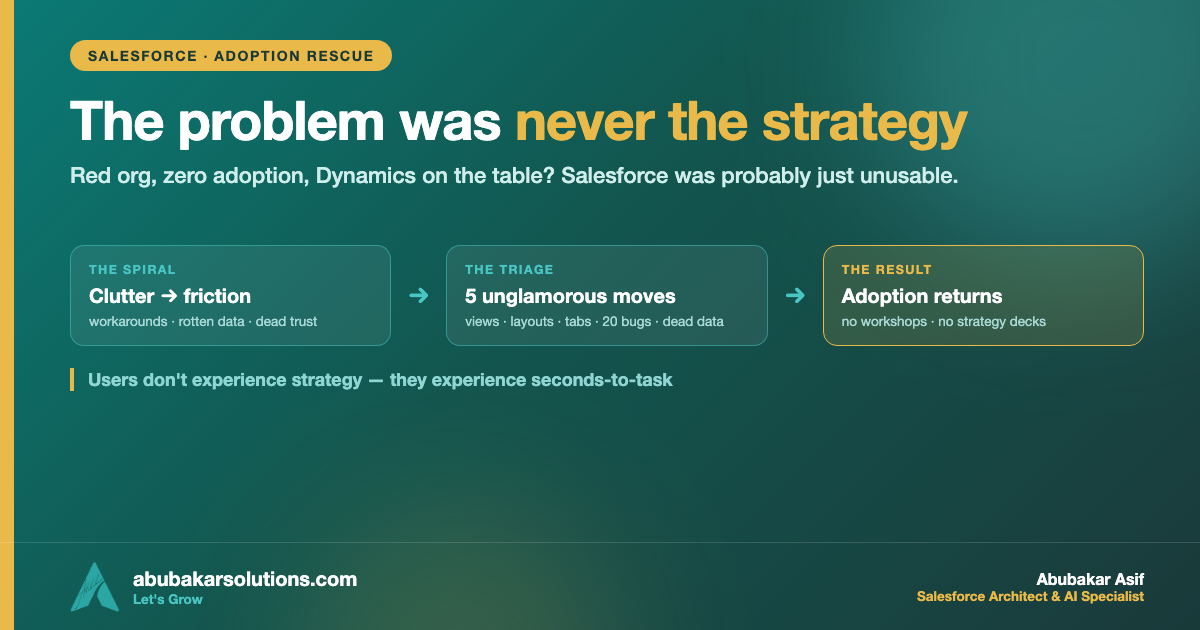
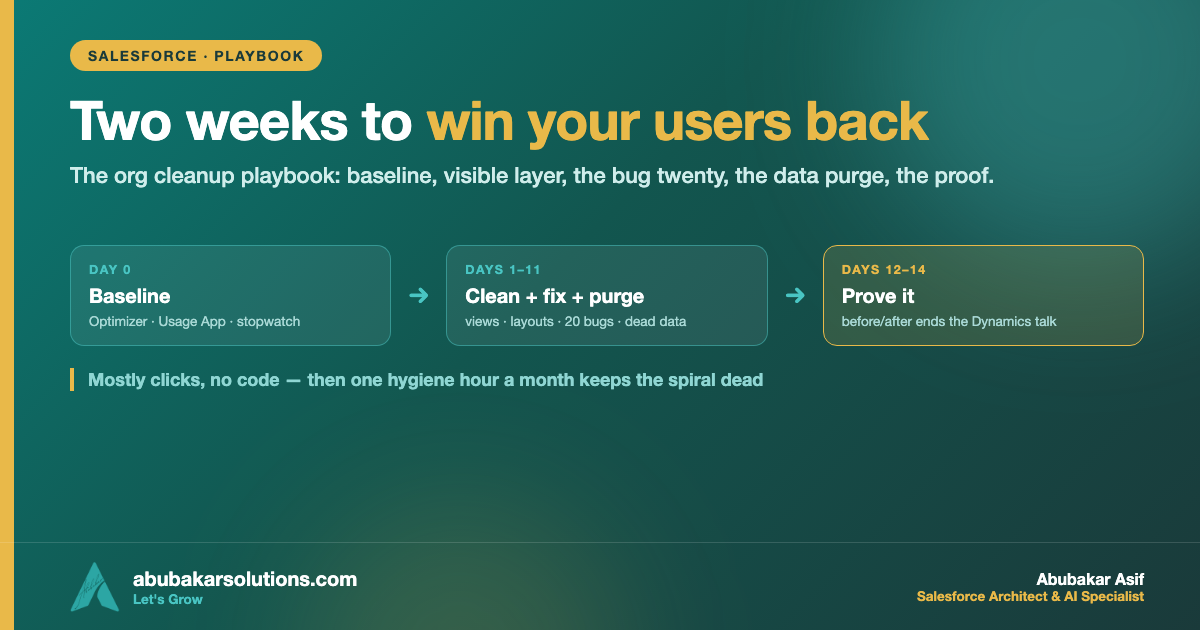
In part one I made the argument: when a Salesforce org goes red, the disease is usually usability, not strategy — and the cure is a triage, not a workshop. This post is the triage itself, move by move, the way I actually run it: what to measure before you touch anything, what to clean in which order, which platform tools do the heavy lifting for free, and how to prove the win so leadership stops pricing Dynamics. Two weeks. One admin plus one decision-maker who answers questions fast. Let’s work.
What I’ll Cover in This Blog
✔️ Day 0: the before-numbers that make the win provable
✔️ Move 1–3: List Views, Page Layouts, and the tab/app diet
✔️ Move 4: the daily-bug twenty — how to collect, rank, and kill them
✔️ Move 5: the dead-data purge that makes reports fast and honest again
✔️ The proof: adoption metrics that aren’t vanity, and the monthly hygiene loop
Now, let’s dive in! 🔥
Day 0: Capture the Before-Numbers
Before you fix anything, spend half a day measuring — because “the org feels better” wins no budget arguments, and a before/after chart wins them all.
🔹 Run Salesforce Optimizer. It’s built in and free, and it hands you a ranked inventory of exactly the clutter we’re about to attack: unused fields, page-layout bloat, profiles, apps, and limits.
🔹 Open the Lightning Usage App. Note daily/monthly active users, slowest pages, and browser performance per page. These are your headline before-numbers.
🔹 Time three real tasks with a stopwatch. Log a call, create an opportunity, find last quarter’s pipeline report — performed by a real user, not an admin. Write down clicks and seconds. This number is the one executives actually feel.
🔹 Pull the workaround census. Ask each team lead: which spreadsheets are you running on the side? That list is your adoption debt, itemized.
Days 1–3: The Visible Layer
Move 1: List Views
The list view is the front door of every object, and in a red org it’s a hoarder’s garage. The fix is ruthless and fast:
🔹 Inventory the views per object; anything unused or ownerless gets deleted (export the names first if you’re nervous — you won’t miss them).
🔹 Build one default view per role per object that answers that role’s morning question: My open opportunities closing this quarter. My cases breaching SLA today.
🔹 Cap columns at seven or fewer — a list view is a to-do list, not a data export. Filter out the dead years so “All Accounts” stops meaning “all accounts since 2021.”
Move 2: Page Layouts
Every field on a page is a tax paid by every user on every record, forever. Collect the receipts before cutting: field fill-rates tell you the truth (a quick SOQL count of non-null values per suspect field, or Optimizer’s unused-field list as your starting map).
🔹 Fields nobody fills and nobody reads: off the layout. You’re not deleting data — you’re decluttering the room.
🔹 The required-field list gets re-justified from zero: each required field needs an owner who can say what breaks without it. No owner, not required. At Redstone — the company from part one — 14 required fields became 5, and call logging went from two minutes to twenty seconds.
🔹 Group what remains: identity at top, daily-work fields next, system trivia collapsed at the bottom. One screen, no archaeology.
Move 3: The Tab and App Diet
Open the app launcher and count what a rep actually sees. In red orgs it’s every tab every project ever shipped. Build per-role apps with the five-or-six items each role touches daily, and pull everything else out of their navigation (not out of the org — out of their view). Nobody misses what they never used; everybody notices the noise going away.
Days 4–7: The Bug Twenty
Now the move that rebuilds trust faster than anything else, because it’s the one users have been begging for silently.
🔹 Collect honestly. Don’t mine the ticket backlog — it’s where complaints went to die. Ask every team one question: “What breaks or annoys you every single day?” Fifteen minutes per team. You’ll have forty candidates by lunch.
🔹 Rank by frequency × friction. A daily annoyance for thirty reps outranks a monthly crash for one manager. Be cold about it: the score decides, not the loudest voice.
🔹 Fix the top twenty. Only the top twenty. Broken flows that email errors nobody reads, validation rules that fire on records they shouldn’t, the assignment rule from a departed admin, the report that times out. Most of these are hour-fixes that have been pending for years.
🔹 Announce every fix. A two-line message per fix — “the opportunity save error is gone” — in the channel users actually read. The fixes buy back usability; the announcements buy back trust. Users learn that reporting a problem now produces a result, which is the exact behavior a healthy org runs on. It’s the same principle as the exception loop in my automation playbook: visible response is the currency.
Days 8–11: The Dead-Data Purge
Dead data is why reports lie and searches drown. This block makes the org fast and honest:
🔹 Duplicates first. Turn on/tune duplicate rules going forward, then merge the worst existing offenders — start with the accounts your team touches weekly, not the whole database.
🔹 Define “dead” with the business: e.g., leads untouched for 18 months, closed-lost older than two years, contacts who left their companies. Get the definition signed off once — then act on it without a meeting per record.
🔹 Archive, then delete. Export what compliance wants to keep, archive it out of the live objects, delete the rest. The live org should hold the working truth, not the museum.
🔹 Cull the report graveyard. Hundreds of reports, ten used. Move unused reports to an “Attic” folder for a quarter, then delete on schedule (the same cancel-the-old-tools discipline that makes cutovers stick). Rebuild the five reports leadership actually opens, on clean data, fast.
This is the light version of a data foundation — if the org is also headed toward AI, graduate to the full 30-Day Data Foundation Sprint afterwards; the triage makes that sprint dramatically easier.
Days 12–14: Prove It
Re-run everything from Day 0 and put the before/after side by side:
Watch the right metrics afterwards. Logins are vanity — a user can log in and still live in spreadsheets. Track instead: time-to-task (your stopwatch numbers), records created within 24h of the activity (freshness of entry), report subscriptions and dashboard opens (do people trust the answers?), and the workaround census shrinking month by month. The metric definitions from my go-live Adoption Rate playbook apply here unchanged.
And then protect the win with a monthly hygiene hour: Optimizer re-run, new-field justifications reviewed, the bug list re-collected, the report attic emptied on schedule. Clutter is a force of nature; hygiene is a calendar entry. Salesforce’s Well-Architected guidance treats the adoptable, intentional experience as an architectural property — this hour is how you keep it one.
Common Pitfalls
✔️ Skipping Day 0. Without before-numbers, your two weeks of work is an opinion. With them, it’s a business case.
✔️ Deleting instead of decluttering. Fields come off layouts, tabs come out of apps — actual deletion waits for the data-definition sign-off. Reversible first, irreversible later.
✔️ Fixing bugs silently. An unannounced fix rebuilds zero trust. The announcement is half the value.
✔️ Letting the bug list grow past twenty. Twenty fixed beats eighty triaged. Ship the win, then collect the next twenty.
✔️ Treating it as a one-time project. Without the monthly hour, the spiral restarts within two quarters — same clutter, same ending.
✔️ Confusing this with transformation. If the org is usable and adoption still doesn’t return, the disease is structural — that’s when the full assessment earns its fee.
Conclusion
✔️ Day 0 makes it provable: Optimizer, the Usage App, a stopwatch, and the workaround census.
✔️ Days 1–3, the visible layer: role-based list views under seven columns, layouts with re-justified required fields, per-role apps.
✔️ Days 4–7, the bug twenty: collected by asking, ranked by frequency × friction, fixed fast, announced loudly.
✔️ Days 8–11, the purge: dupes merged, dead data archived out of the working org, the report graveyard emptied.
✔️ Days 12–14, the proof: before/after numbers that end the replatforming debate.
✔️ Then one hygiene hour a month — because the spiral never stops trying to restart.
Two weeks, mostly clicks, no code beyond a few SOQL counts — and an org users stop routing around. Start using this playbook on your reddest org today, and take your Salesforce adoption back to where it belongs!
Want the triage run on your org — or a second pair of eyes on your Optimizer report? Send me your three worst user complaints and I’ll tell you honestly whether it’s a two-week fix or a structural one.
What’s the oldest unfixed daily bug in your org — and how long has it been “in the backlog”? Tell me on LinkedIn.
About the Author — Abubakar Asif
SALESFORCE ARCHITECT · AI SPECIALIST · CLOUD ARCHITECT · PAKISTAN
Abubakar Asif — Salesforce Solution Architect, AI & Cloud Specialist based in Pakistan
Abubakar Asif is a Salesforce Solution Architect and artificial intelligence, Google Cloud and CRM specialist based in Pakistan — a top-rated AI, cloud infrastructure and Salesforce expert, and a National AI Research Engineer. He began as a core member and AI researcher with Google Developer Group, known for AI-powered brain-state recognition research, then built AI models and the applications around them for STEM education with STEM Wizards Academia, Toronto.
TRUE AI PIONEER · PRE-GENAI ERA
Abubakar is not just an AI adopter — he is a researcher who built models before “AI” became a buzzword. Before ChatGPT, Claude, Grok or Gemini existed, he was training and deploying custom neural networks from mathematical first principles.
A turn toward Salesforce and AI made him a Solution Architect, which opened the rest: CTO at Sunshine AI, where he led the technology and architecture that earned the startup Salesforce Consulting Partner status and drove healthy partner revenue; consultant and lead roles across Australia, Indonesia, the United States and the United Kingdom; and CTO at Shift Financial Planning, building next-generation financial planning powered by AI and Open Banking APIs.
Today he is Chief Technology Officer at Kalala Consulting, leading AI, CRM and cloud architecture — Salesforce, Agentforce, Data 360, Google Cloud and Microsoft Azure — for clients across financial services, healthcare, education and other industries. He writes here at abubakarsolutions.com about Salesforce architecture, Agentforce and AI enablement, Google Cloud, and the data foundations that make all of it work.